AVTP H.264 Video Streaming (StreamTo)
Stream H.264 video over IEEE 1722 AVTP (Audio Video Transport Protocol) on automotive Ethernet networks using StreamTo, FibreCode Raw sticks, and VLC Media Player.
Before you begin
Download Software Package
Download XSP_FC_StreamTo_Vxx-xx-xx.zip for FibreCode Raw Sticks (FC612, FC631) and extract the archive.
Install
Extract XSP_FC_StreamTo_V0x-xx-xx.zip to a folder of your choice:
XSP_FC_StreamTo_V0x-xx-xx/
├── doc/
└── StreamTo/
    ├── Linux/
    │   ├── Raspbian/
    │   └── Ubuntu/
    └── Windows/
        └── bin/
            ├── Win32/
            └── x64/
                └── streamto.exe
Pre-compiled binaries are provided for Windows (Win32, x64) and Linux (Raspbian, Ubuntu).
Navigate to the binary directory matching your operating system (e.g., StreamTo/Windows/bin/x64/ for Windows 64-bit).
Download Demo Files
Download one of the sample H.264 MPEG-TS transport stream files for transmission testing:
Copy the demo transport stream file into the binary directory alongside streamto.exe:
StreamTo/Windows/bin/x64/
├── streamto.exe
└── fcloop_10mbit.ts
Demo Setup
Overview
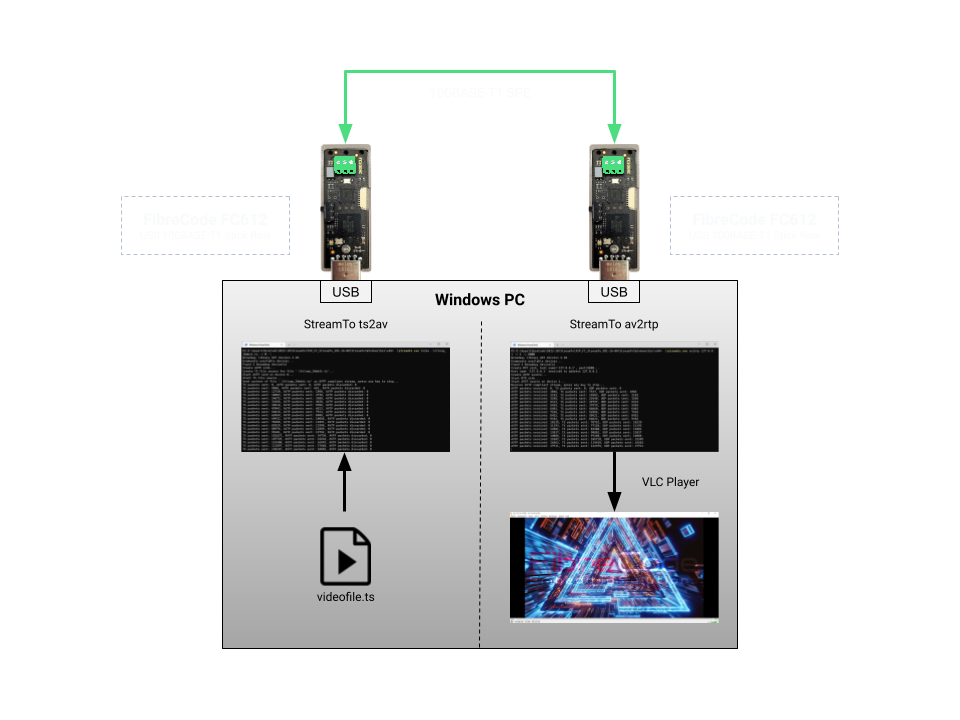
Transmission & Reception
Open a console in the directory containing streamto.exe and start transmitting the transport stream (ts2av) on device 0 in continuous loop mode:
-d 0: Device index 0 (Sender adapter)-l: Loop playback continuously
.\streamto.exe ts2av .\fcloop_10mbit.ts -d 0 -l
Expected terminal output:
Broadway library API Version 2.20.
Enumerate available devices...
Found 2 Broadway device(s)
Create AVTP sink...
Create TS file source for file '.\fcloop_10mbit.ts'...
Start AVTP sink on device 0...
Start TS file source...
Send content of file '.\fcloop_10mbit.ts' as AVTP compliant stream, press any key to stop...
TS packets sent: 121897, AVTP packets sent: 17660, AVTP packets discarded: 0
TS packets sent: 130167, AVTP packets sent: 18855, AVTP packets discarded: 0
Open a second console in the same directory to receive the AVTP stream on device 1 and forward it to localhost via RTP:
-d 1: Device index 1 (Receiver adapter)127.0.0.1: Local IP address destination-p 5000: RTP destination port
.\streamto.exe av2rtp 127.0.0.1 -d 1 -p 5000
Expected terminal output:
Broadway library API Version 2.20.
Enumerate available devices...
Found 2 Broadway device(s)
Create RTP sink, host name='127.0.0.1', port=5000...
Host name '127.0.0.1' resolved to address 127.0.0.1
Create AVTP source...
Start RTP sink...
Start AVTP source on device 1...
Receive AVTP compliant stream, press any key to stop...
AVTP packets received: 16562, TS packets sent: 114410, UDP packets sent: 16562
AVTP packets received: 17711, TS packets sent: 122379, UDP packets sent: 17711
Video Playback in VLC
Open VLC Media Player, select Media → Open Network Stream, and enter the local RTP stream URL:
rtp://127.0.0.1:5000
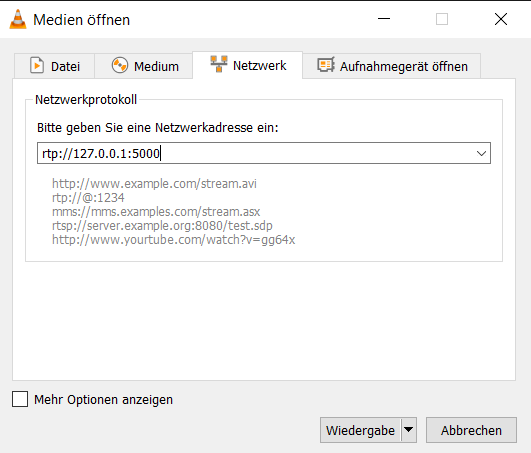
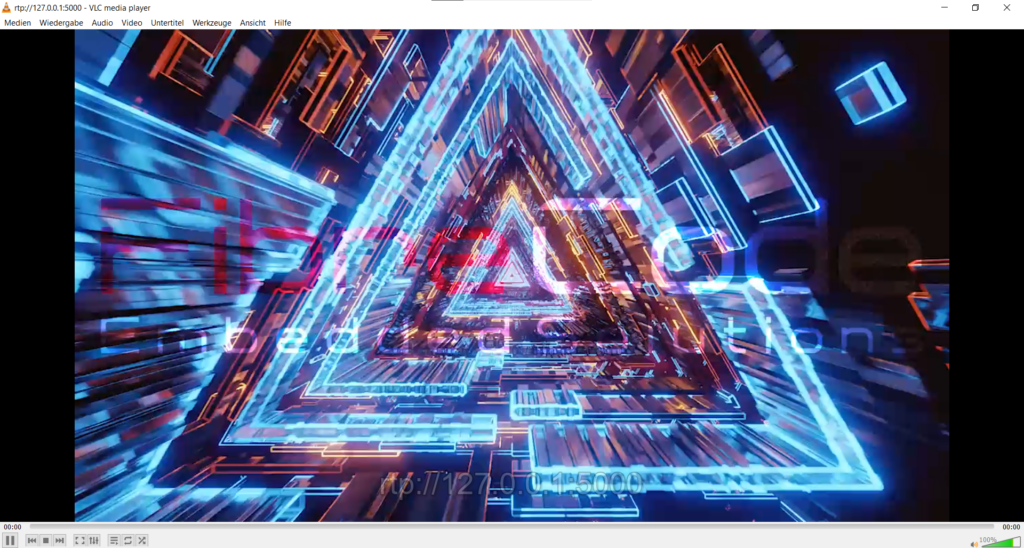
Click Play to view the live H.264 video stream received over the automotive Ethernet link: